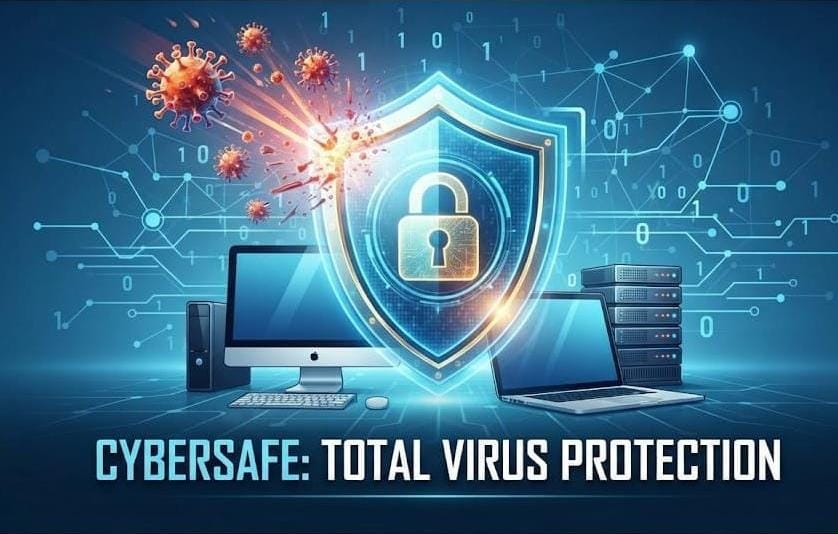
In today’s era, where our entire lives, businesses, and valuable data are connected to computers and the internet, the threat of a “computer virus” can arise at any time. A small virus can not only slow down your computer’s speed but can also destroy your private data, banking details, and precious files. In today’s post, we will discuss the types of computer viruses, the damage they cause, and effective ways to protect yourself from them.
What is a Computer Virus?
A computer virus is essentially a type of malicious software created by hackers or cybercriminals to damage your computer, steal data, or gain unauthorized access to your system. Like a disease, it can spread from one file to another and from one computer to another.
Common Reasons for Virus Attacks
Most viruses enter our systems due to our own minor mistakes:
- Suspicious Email Attachments: Downloading links or files found in emails from unknown sources.
- Insecure Websites: Visiting websites that lack security certificates.
- Pirated Software: Illegally downloading “cracked” software from the internet.
- Misuse of USBs: Plugging an infected USB from another computer into your own without scanning it first.
10 Golden Rules to Protect Yourself from Computer Viruses
- Install a Reliable Antivirus: Your first line of defense is a strong antivirus. Always use software from a reputable company (such as Kaspersky, Bitdefender, or Norton) and keep it updated to recognize new viruses.
- Keep Software and Operating Systems Updated: Viruses often exploit vulnerabilities in older or weak operating systems (Windows). Never ignore security updates from Microsoft, as they patch the weaknesses used by hackers.
- Do Not Click on Unknown Links: Avoid clicking on links from websites or emails that you do not recognize. Often, enticing social media advertisements (e.g., “You have won a lottery”) are a source of spreading viruses.
- Use Strong Passwords: Use complex and strong passwords for your computer, email, and online accounts. Using “123456” or your name as a password makes it easy for hackers to break into your system.
- Back Up Your Data: If, heaven forbid, your computer falls victim to a virus, your valuable files could be lost. Make sure to back up your important data weekly or monthly on an external hard drive or cloud storage (Google Drive, OneDrive).
- Scan USBs: Whenever you plug someone else’s USB drive into your computer, be sure to scan it with an antivirus before opening it.
- Avoid Pirated Software: Downloading cracked software for the sake of free access is an invitation to viruses. Always download software from official websites.
- Keep the Firewall On: Windows has a built-in firewall that blocks suspicious traffic on your network. Ensure your Windows firewall is always active.
- Avoid Public Wi-Fi: Be cautious when using public Wi-Fi at coffee shops or airports. Anyone on that network can potentially access your computer. If usage is necessary, use a VPN.
- Browser Security: Use security extensions in your web browser (Chrome, Edge, Firefox). These extensions block malicious websites before they even open.
Conclusion
Protecting yourself from computer viruses is not impossible; it just requires a little awareness and caution. If you follow these principles, your computer will not only remain secure but its performance will also improve. Our goal at “Small to Big Tech” is to inform you about the safe and effective use of technology. Remember, your digital safety is in your own hands!
Have you ever experienced a virus on your computer? Or do you have any special methods to improve your security? Share your experiences in the comments!
Stay connected with “Small to Big Tech” for more information on how to stay safe in the world of technology.